The event’s wrapped, the thank-you messages have gone out, and the booth gallery finally lands in your inbox. You hit play, expecting the slick slow-motion clips from the vendor’s demo reel. What you get instead is grainy, dim, and slightly shaky. Faces lost in shadow. Purple wash light bleeding across everyone’s skin.
Video booths aren’t all equal, and the gap between a well-run setup and a sloppy one always shows in the final file. For planners and couples wondering how to make the quality of a photo booth for an event better, the fix starts long before the event. Below, we break down why footage degrades and exactly what to ask before you book.
The Venue Is Working Against the Booth
Hotel ballrooms, function rooms, and rooftop spaces across Singapore are gorgeous to host in and tough to film in. The usual culprits:
- Mixed Artificial Lighting: Warm downlights, cool LEDs, and stage lights clash and throw skin tones off.
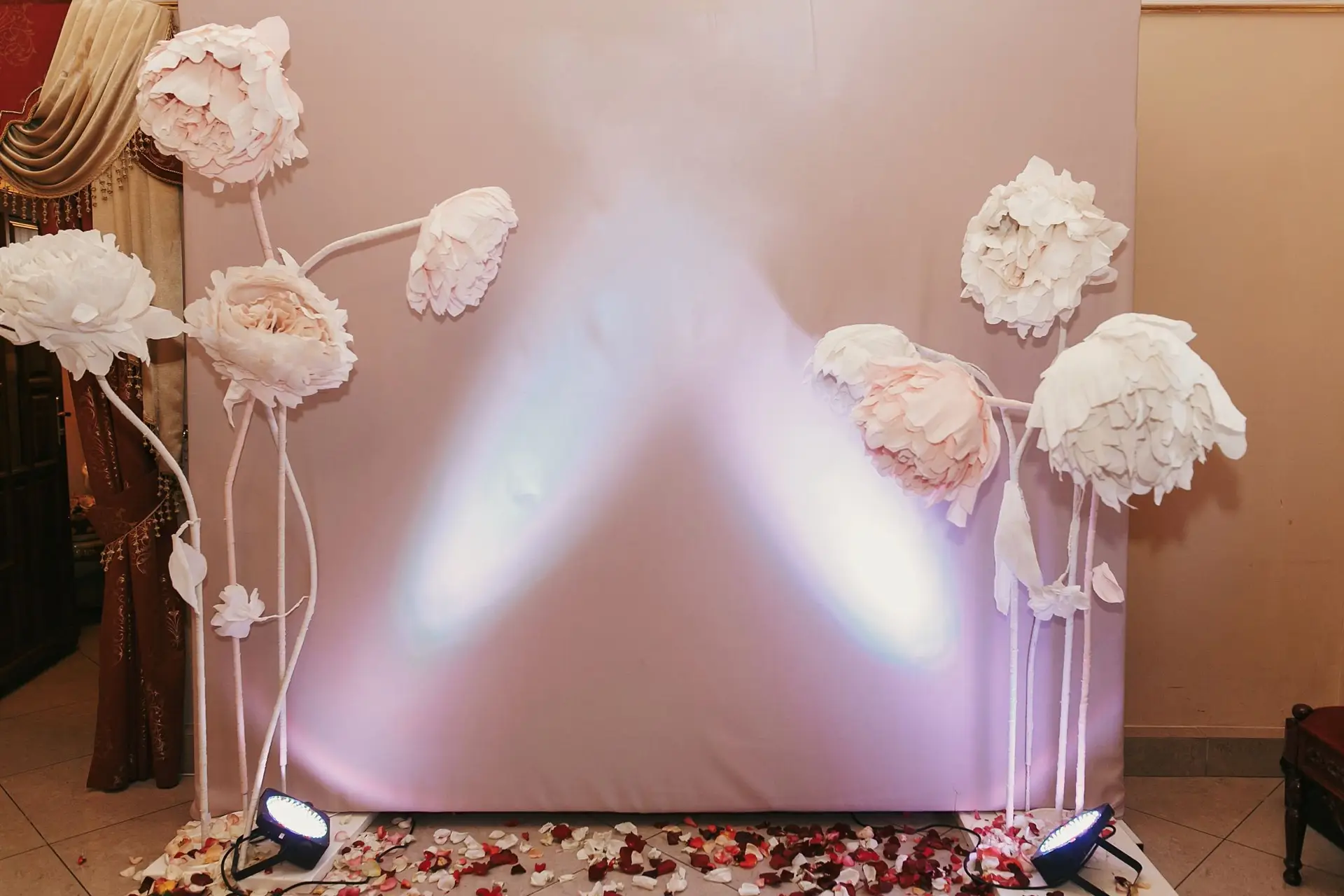
- Coloured Wash Lights: Purple and blue uplighting floods faces and is hard to correct afterwards.
- Low Light During Dinner: Lights dim for service, pushing cameras into grainy territory.
- Reflective Surfaces: Mirrors, glass, and metallic décor confuse exposure and create hot spots.
That’s why a booth that dazzles in a showroom can fall flat in a dark ballroom. Ask vendors whether their setup includes dedicated lighting rigs, and how it performs in low light specifically.
The Camera and Lens Are Not What You Think They Are
So what separates the best booth setups from the rest? Professional and consumer-grade gear can look identical on a booth stand, but the difference shows up in the footage, and it isn’t always disclosed upfront. Larger sensors, wider apertures and better lenses pull in more light and hold detail in mixed lighting, where cheaper setups turn muddy. Even the camera setting matters, since a great lens can still be undermined by the wrong exposure or frame rate.
Slow motion widens the gap. Photo booths like the Glambot booth and 360-degree photo booth need high frame rates, and not every camera can hit them at the resolution being advertised. Ask for the specific camera model, the frame rate at full resolution, and whether the sample footage was shot at the same resolution promised for your event.
Compression Is Killing the Quality After the Fact
Footage can look razor-sharp on the booth screen and still arrive in the gallery soft and blocky. The usual culprit is aggressive compression during export or digital delivery. It strips detail, adds artefacts, and shrinks what you actually receive.
Some vendors compress for faster uploads or cheaper storage. Others deliver the original files. Ask about the export format, the file resolution, and whether the delivered file matches what was captured.
The Background Is Doing More Damage Than You Realise
A cluttered or poorly lit backdrop competes with your guests and makes even great camera work look cheap. Watch for these:
- Uneven Green Screen Lighting: Patchy light on the screen causes halos, fringing, and replacements that look unfinished.
- Wrinkled Fabric: Creases that barely register in stills become obvious in moving footage.
- Low-Resolution Vinyl: Pixelated prints look worse the closer the camera gets.
- Poorly Tensioned Frames: Sagging, rippling backdrops read as sloppy on video.
When reviewing a portfolio, check whether backgrounds look clean, consistent, and well lit across different events.
The Attendant Did Not Set the Booth Up Properly

Good equipment still needs good setup. Common on-site errors include facing the booth towards a window or bright light, leaving the camera height unadjusted for the average guest, and skipping test recordings before guests arrive.
An untrained or disengaged attendant produces inconsistent results, even with great gear. It happens more often than vendors admit. Ask whether the attendant runs a dedicated setup and test before the event, and how early they arrive.
How to Protect Your Event Footage Before You Book
The surest way to improve your photo quality is to put these to any vendor before signing:
- Camera Specs: Ask for the model and frame rate at full resolution.
- Lighting Setup: Confirm dedicated lighting suited to low-light venues.
- Export Quality: Check the format, resolution, and whether files arrive uncompressed.
- Backdrop and Attendant: Ask about backdrop materials and who runs the booth.
Then request sample footage from a real event, ideally at a similar venue, not a studio demo.
At ShutterPop, our setups are built for consistent output in every kind of venue, from bright atriums to dim wedding ballrooms. We pair professional-grade cameras with dedicated lighting on every video booth, deliver full-resolution files, and arrive one to two hours early to set up and test before guests walk in.
Conclusion
Low-quality booth footage is rarely bad luck. It comes from decisions made before the event that most couples and planners don’t know to question. The right vendor answers every one of these questions without hesitation, because they already have the answers.
Still figuring out how to make photo booth quality better for your next event? Have a chat with ShutterPop’s team and put these exact questions to us before you commit. We’ll walk you through every answer.